

Time Sense AI
Your attendance team's AI copilot - that can actually act.
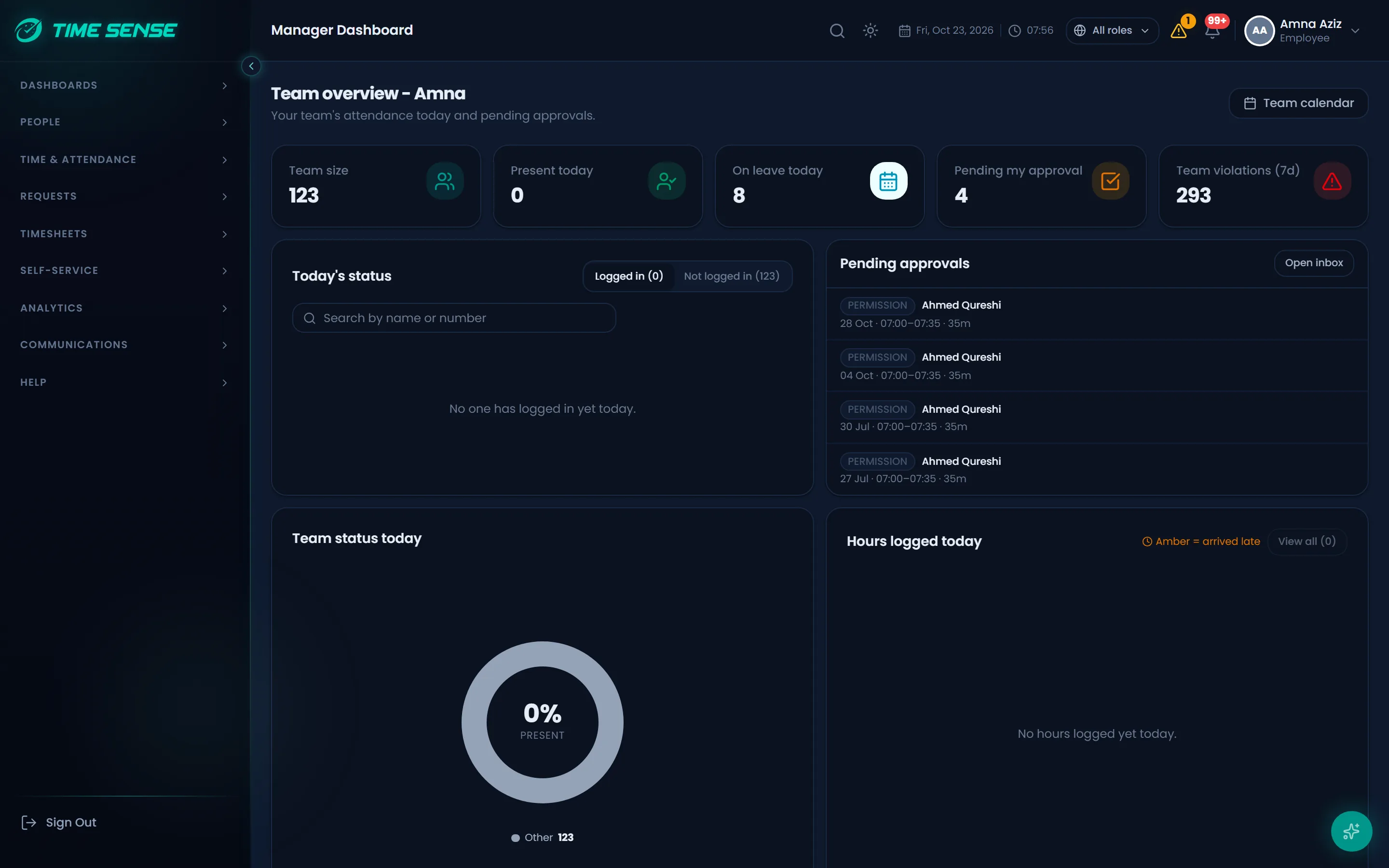
Vyra answers attendance questions in English and Arabic, explains every number and prepares approvals and changes for you to confirm. Around it: behavior scores with the math shown, schedule suggestions, forecasts and face and fraud checks at every punch.
- Nothing changes until you confirm
- Every chat is audited
- Your own AI provider
- English and Arabic
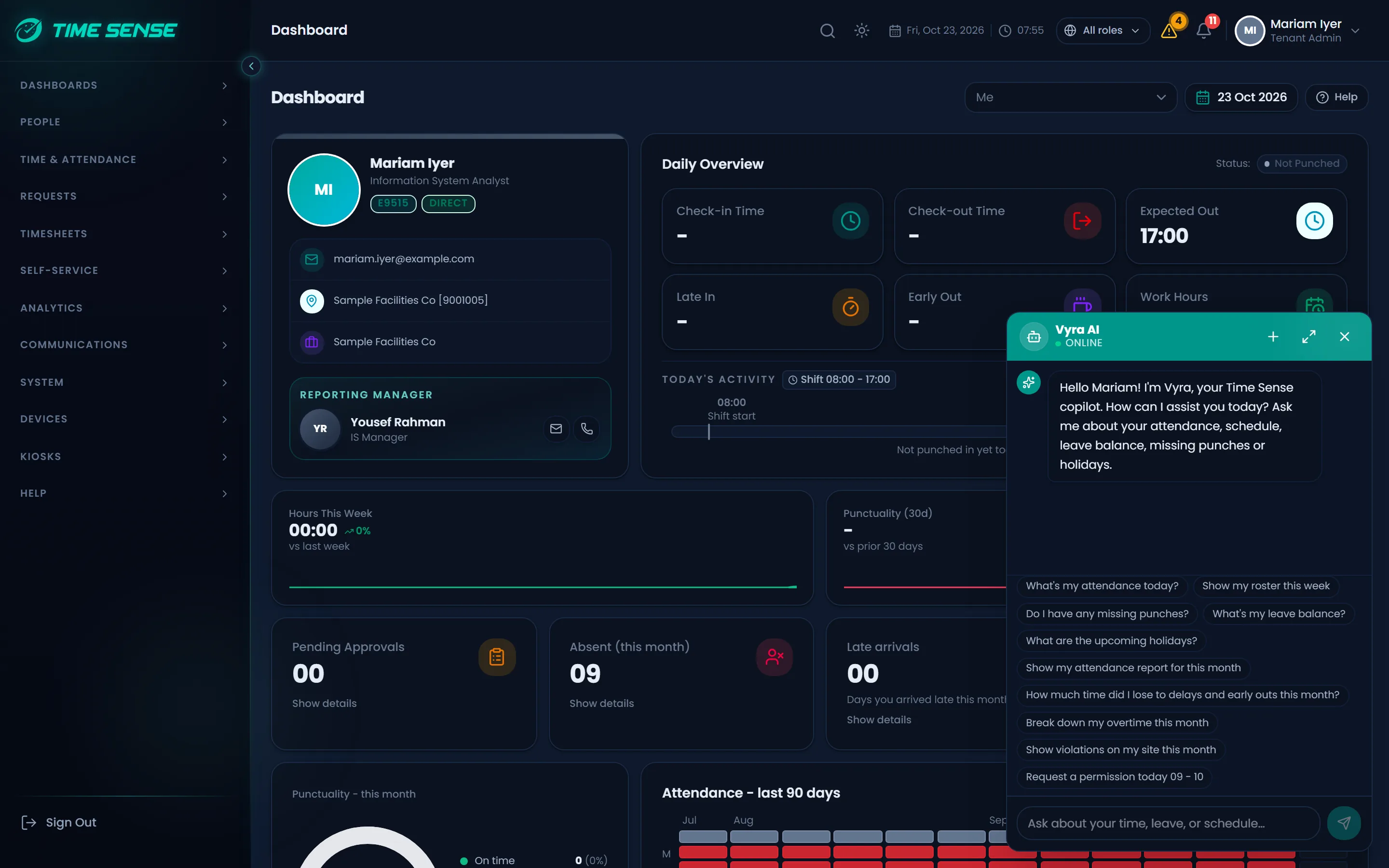
Vyra copilot
Ask in plain words. Vyra does the legwork.
Vyra reads live attendance through the same permissions as the person asking, answers with tables and charts you can export, and can act for you. Nothing is saved until you confirm.
You: Why was I marked late yesterday?
Vyra: I checked your shift start, the grace period and your first punch, step by step. Your first punch came after the grace period ended, so the difference counts as late.You: Approve the pending permissions for my team
Vyra: I have prepared the approvals for your review. Nothing is saved until you confirm.Pending permissions, ready to approve
You: Is this period ready to close?
Vyra: Not yet. I found missing punches and open requests to clear first. I can list them in a table you can export.
For employees
- Why was I marked late? Vyra walks through the calculation step by step.
- Prepare a leave or permission request in the chat, then confirm it.
- Check balances, shifts and the status of your requests.
For managers
- See who in your team is late, absent or missing a punch today.
- Approve or reject pending requests without leaving the chat.
- Raise a leave, permission or attendance request on behalf of a team member.
For HR and admins
- Check a period is ready to close: missing punches, open requests and anomalies.
- See the impact of a schedule change before you make it.
- Find out why a rule graded a day the way it did.
Questions people ask Vyra
- Why was I marked late yesterday?
- How many leave days do I have left?
- Who in my team is absent today?
- Approve the pending permissions for my team
- Show overtime by department this month as a chart
- Which employees have missing punches this week?
- What changes if the night shift starts at 22:00?
- Is this period ready to close?
Built to be trusted with real records
Confirm before it acts
Vyra prepares the change and shows it to you. It is saved only when you confirm.
Your permissions, never more
Every tool checks the caller's role and data scope before it runs.
Sensitive fields held back
Personal fields are redacted from what is sent to the AI provider.
Every chat audited
Each conversation and each action is written to the audit log.
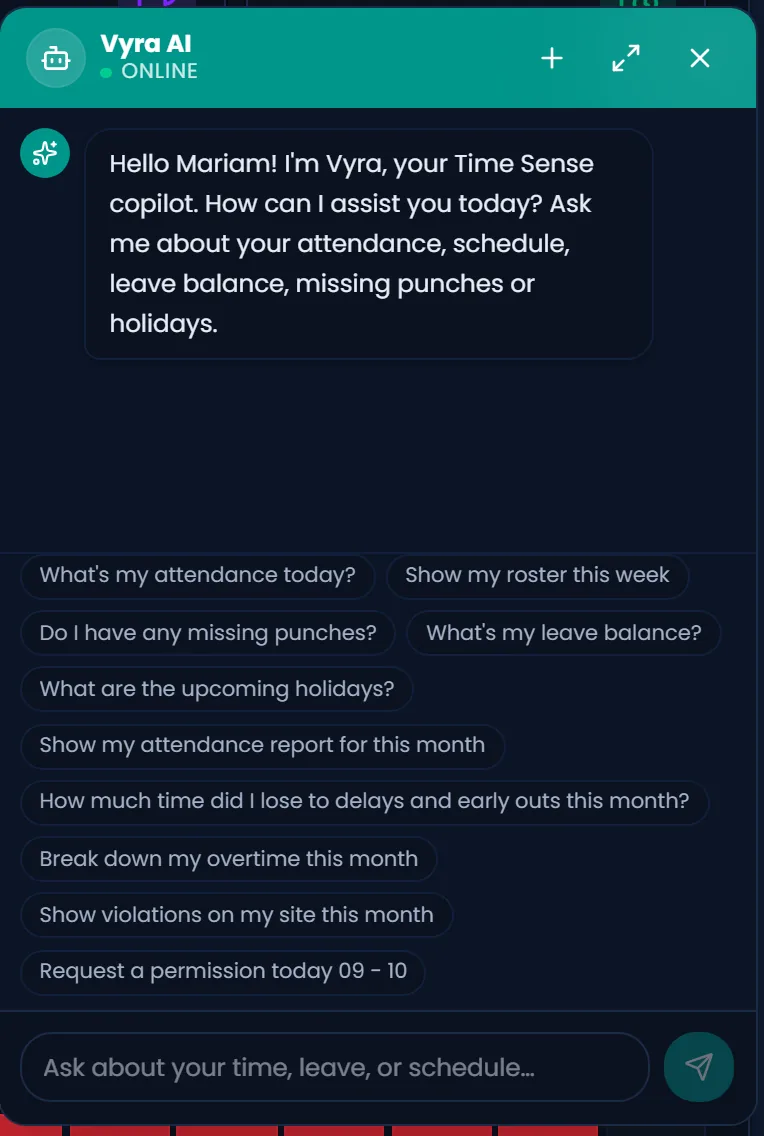
Behavior Analysis
A behavior score with the math shown.
Time Sense scores attendance behavior from real records. Every number is computed in code; AI only writes the narrative that explains it, in the language you read.
- attendance parameters
- 24
- sections in every narrative
- 8
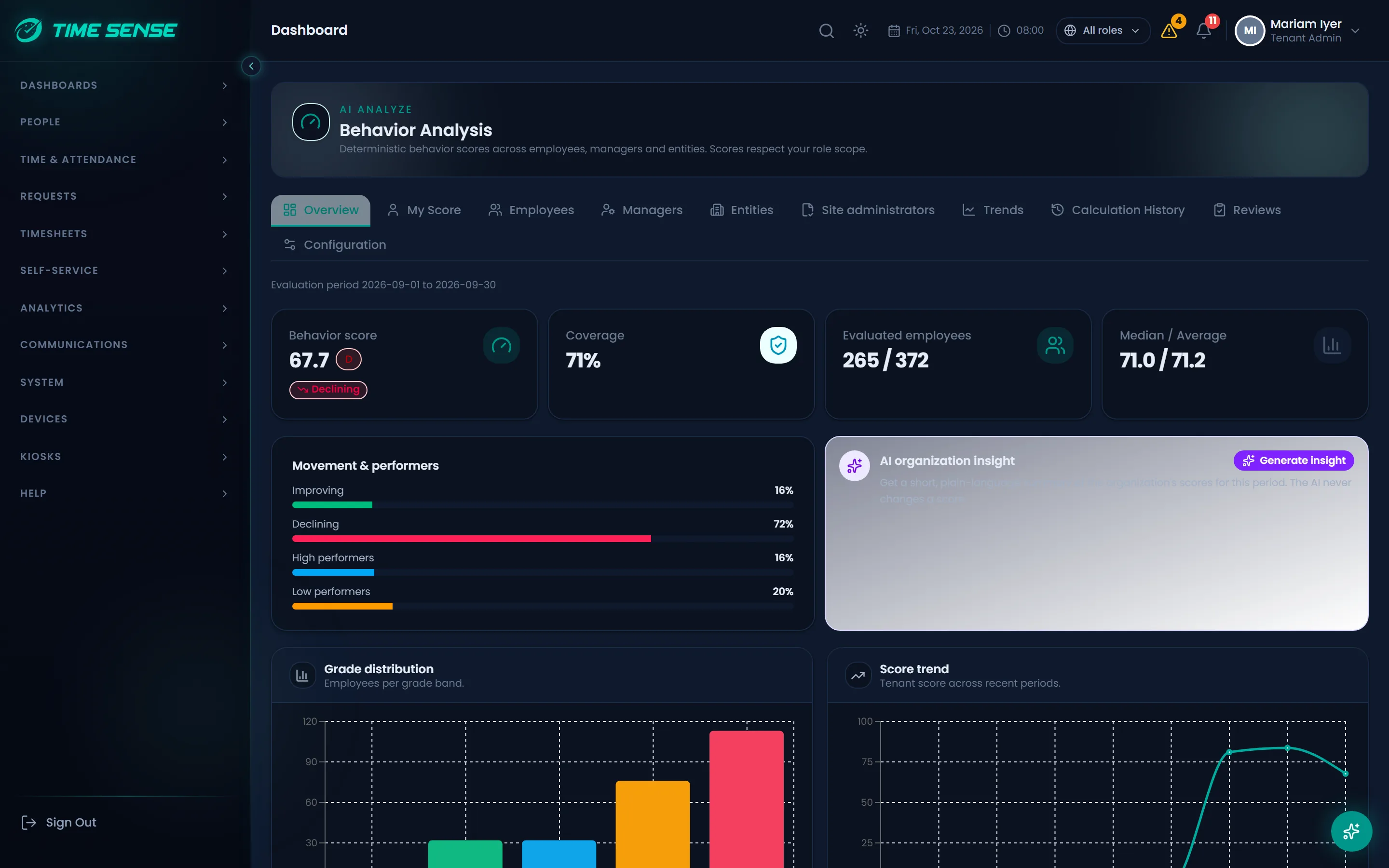

What is measured
- On-time arrival rate
- Late arrival rate
- Average late minutes
- Severe late count
- Attendance presence rate
- Unauthorized absence rate
- Early departure rate
- Average early departure minutes
- Schedule adherence
- Required hours compliance
- Missing punch rate
- Complete punch rate
- Manual entry dependency
- Permission compliance
- Overtime authorization compliance
- Attendance consistency
- Punctuality consistency
- Lost working hours
- Last-minute request submission
- Early leave planning
- Approval delay
- Last-minute approval
- Frequent acceptance of violation exceptions
- Kiosk anomalies
From records to a reviewed score
1.Measure
Each parameter is calculated from punches, requests and approvals over the period.
2.Weight
Your admins set the weight of each parameter and the grade scheme, and can simulate a change before applying it.
3.Explain
AI turns the calculated figures into an eight-section narrative. The figures come from the calculation, never from the AI.
4.Review
Managers review, override with a reason and export. Scores roll up to managers and entities and recalculate on a schedule.
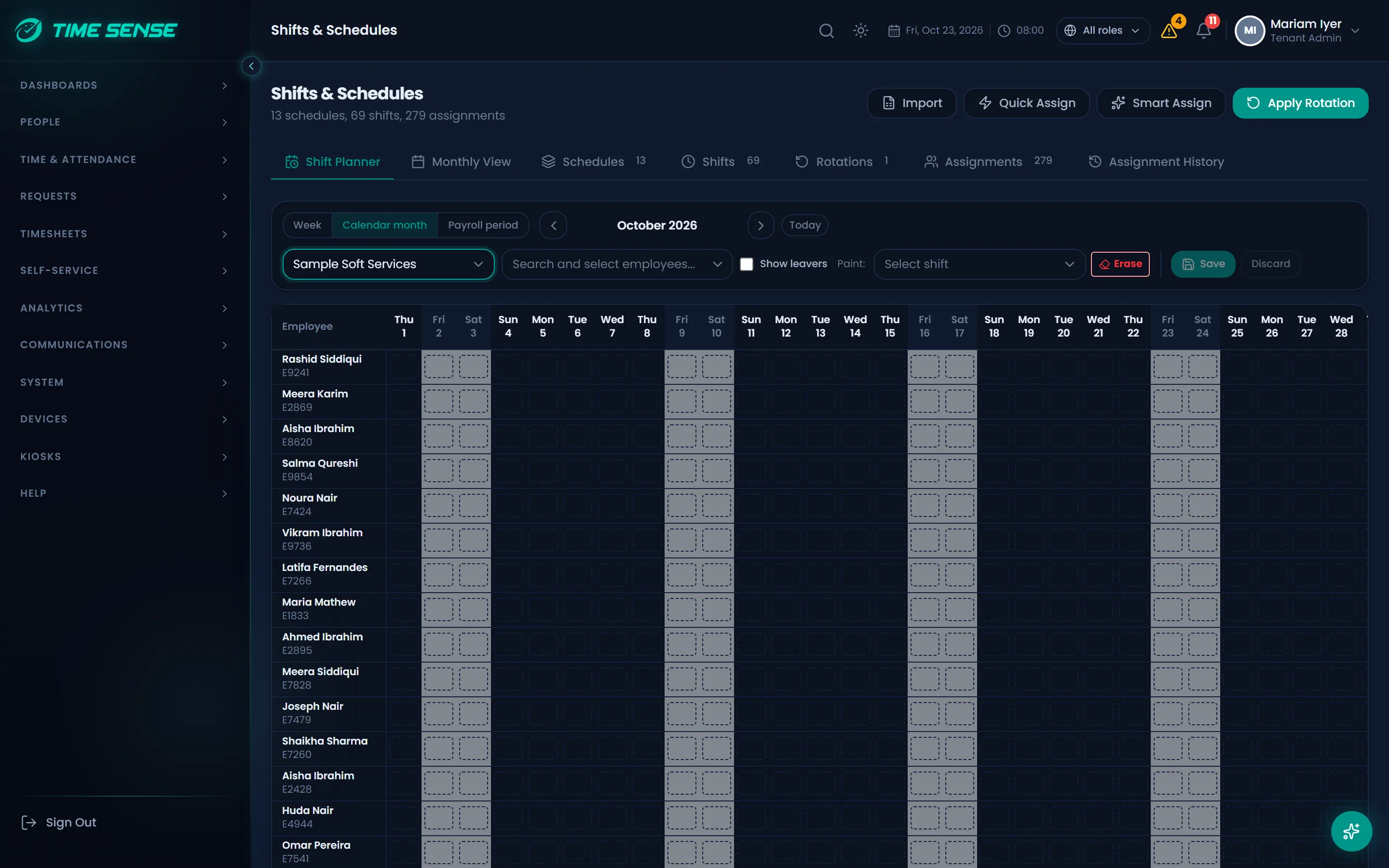
Smart Assign
Schedule suggestions a manager confirms.
Smart Assign proposes schedules for empty days from each employee's recent pattern. Nothing is saved until the manager says so.
Reads the last 30 days
Suggestions come from each employee's own recent schedule. Days that already have a schedule are never touched.
Suggests with a confidence
Each suggestion is marked High, Medium or Low confidence and stays highlighted until it is saved.
The manager decides
Save the suggestions you want and discard the rest. Saved ones are recorded as Smart Assign in the audit trail.
With an AI provider connected, Smart Assign refines its suggestions using anonymous tokens in place of names. Without one, it still works on its own.
Predictions
Forecasts for the days ahead, with honest error bars.
Statistical forecasts built from your own attendance history. Each one carries a confidence band and is checked against what really happened.
Who will be present
A daily present count with a 95% confidence band.
Late and absent
Expected late arrivals and absences for each day.
Overtime minutes
Forecast overtime, so you can plan cover before it is worked.
Absence risk tomorrow
A Low, Medium or High absence risk for each employee for the next day.
Workload direction
Whether attendance load is heading up, down or holding flat.
Accuracy you can see
Every forecast is reconciled with the actual day, so you see how close it came.
AI-grade fraud defence
Face AI and fraud signals at every punch.
The liveness challenge runs on the device. Face matching and anti-spoof checks run on your Time Sense server, in our cloud or on your premises, with no third-party biometric service.
Liveness on the device
The kiosk, the mobile app and web check-in ask for a blink or a head turn, so a printed photo or a screen does not pass.
Face match and anti-spoof
Face engines inside Time Sense compare the face with the enrolled one and check that a real person is in front of the camera.
Buddy punching flagged
A punch disputed as Not me, tailgating, a failed re-check or repeated failures go to Face Reviews for a person to decide.
Tampered phones and clocks
Mock location, rooted or jailbroken phones, emulators and changed clocks are each a policy you set: allow, flag or block.
Kiosk anomalies also count in the behavior score, so a pattern shows up next to the person's attendance.
Your AI, your data
Bring your own AI provider.
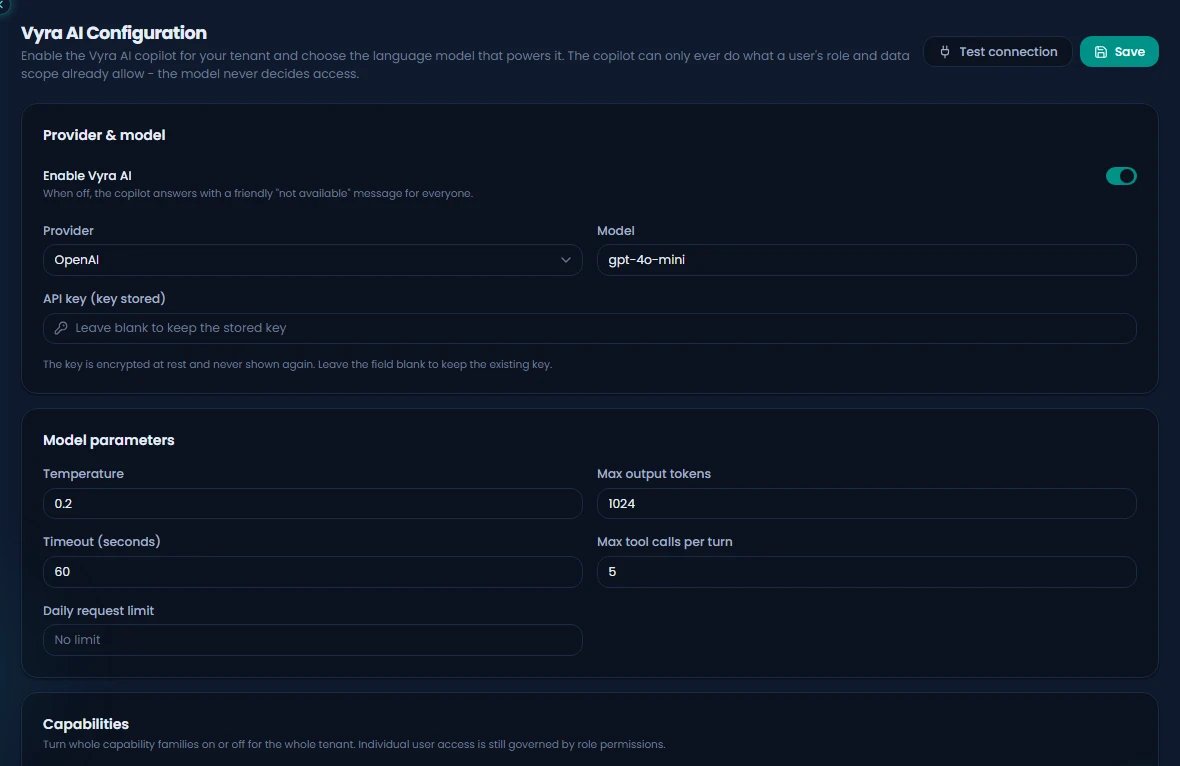
One connection serves Vyra, Smart Assign and the behavior narratives. You choose the provider and hold the key.
OpenAI, Gemini or compatible
Connect OpenAI, Google Gemini or any OpenAI-compatible endpoint.
Key stored encrypted
Your API key is encrypted before it is stored.
One switch per organization
Turn AI on or off for the whole organization in one place.
Self-hosted works too
Point Time Sense at an OpenAI-compatible server inside your own network.
AI is part of Time Sense Pro
Vyra, Behavior Analysis and Smart Assign come with the Pro plan.
See Time Sense AI at work.
Book a demo to see Vyra, Behavior Analysis, Smart Assign and Predictions together, or start a free trial.