

Mobile app
The Time Sense mobile app
Employees punch in, raise requests and follow their day from their phone, and managers approve on the move. Every punch is checked before it counts.
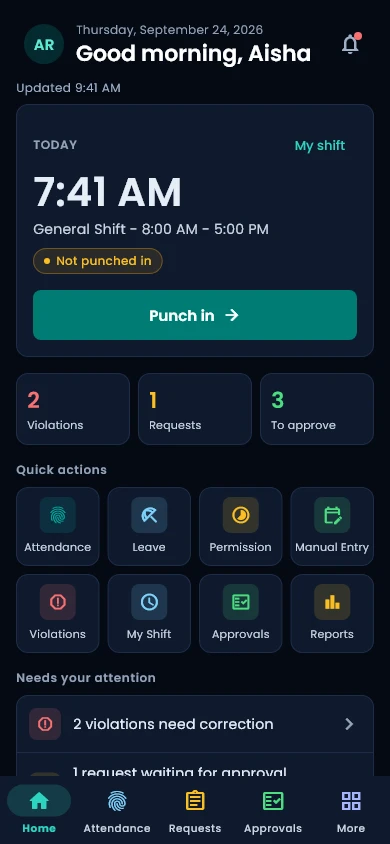
Punch in from the right place
The app checks where the employee is against the work locations assigned to them, and the server makes the final call.
- GPS geofencing against each employee's own work locations, with the distance to the site shown before the punch.
- The employee picks the project or site first, and that choice is the one recorded.
- Optional reminders when an employee arrives at or leaves a site. The app never punches on its own.
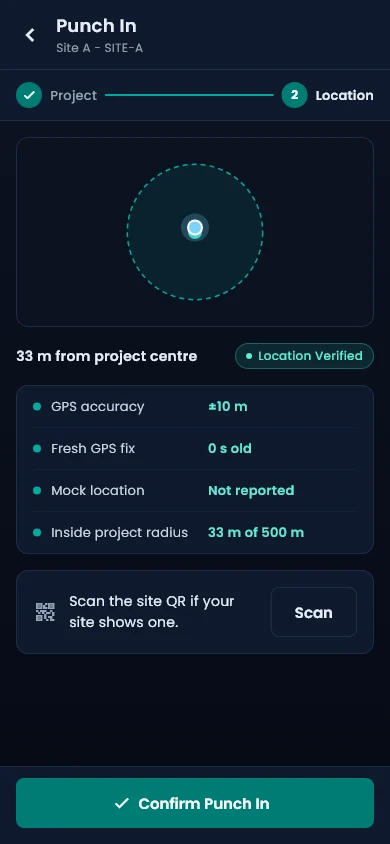
A face check with liveness
The location is checked first. Then a quick look at the camera confirms the right person is punching, and a liveness challenge stops a photo from passing.
- An in-app camera with an active liveness challenge on the phone: a blink and a random head turn.
- The server verifies the face with the same face engine as web check-in.
- Each organisation sets the face check to off, optional or required, and decides whether a mismatch is flagged or rejected.
- Quick punch: once the project is chosen, the camera opens straight away.
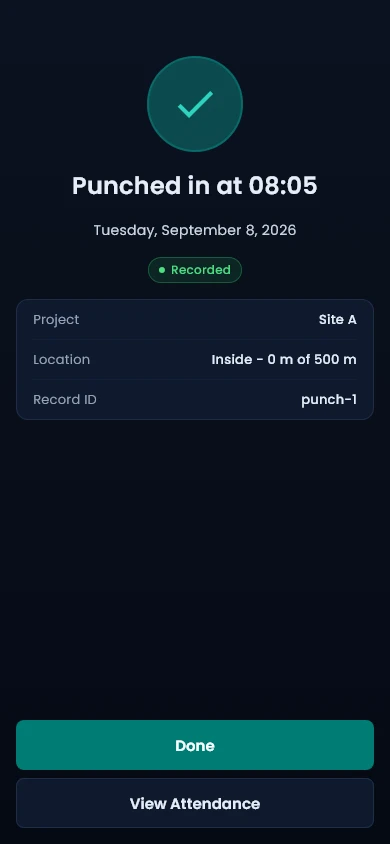
Site codes and device checks
Extra signals make it hard to punch from somewhere else or from a tampered phone.
- Rotating, signed QR codes at a site confirm the employee is really there. They prove the place, never the person.
- Mock locations, rooted devices, emulators and clock changes are detected.
- Each check follows your policy: allow, flag for review or block.
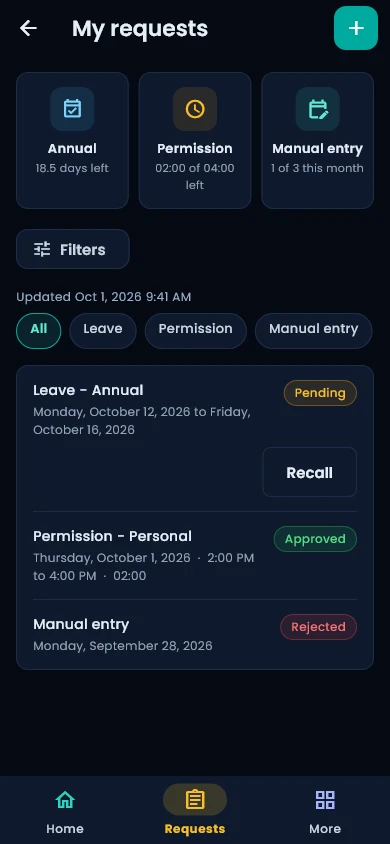
Requests and approvals in one place
Employees raise what they need from the app, and managers act on it from their own approvals inbox.
- Leave, permissions, manual entries, punch corrections, violation exceptions, overtime, work from home and shift changes.
- Attach a photo or a document straight from the camera or the gallery.
- Managers approve or reject with a comment, in bulk where the web app allows it.
- Managers follow their team's day from the same app.
Notifications that say what happened
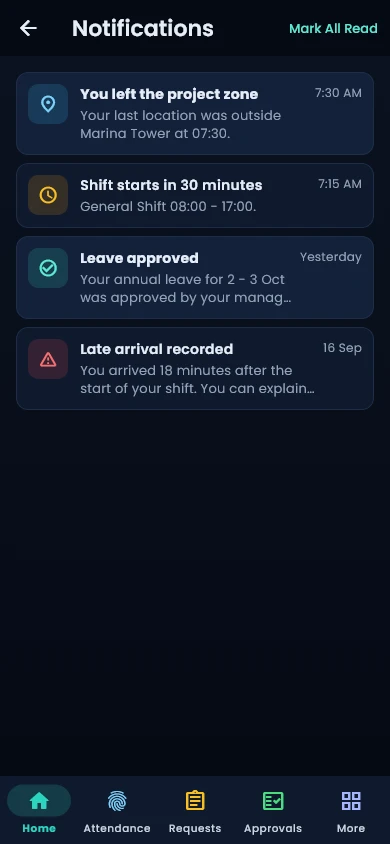
A push notification names the event, the request type, the person and the dates, so nobody has to open the app to know what changed.
- Request and approval updates arrive with their details in the message.
- An in-app inbox keeps every notification, with mark all as read.
English and Arabic, right to left
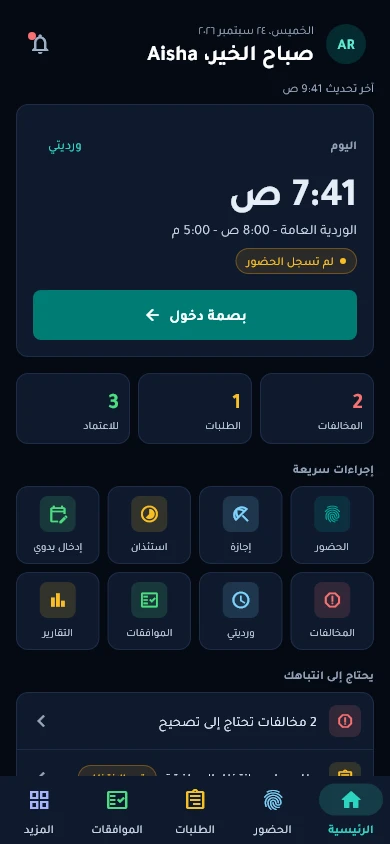
The whole app works in English and Arabic, and Arabic turns the layout right to left.
- A full right-to-left layout in Arabic, not a translated label here and there.
- A dark theme, adjustable text size and screen-reader labels.
See Time Sense run on your own rules
Book a demo and we will walk through your shifts, devices and approvals, in English or Arabic.